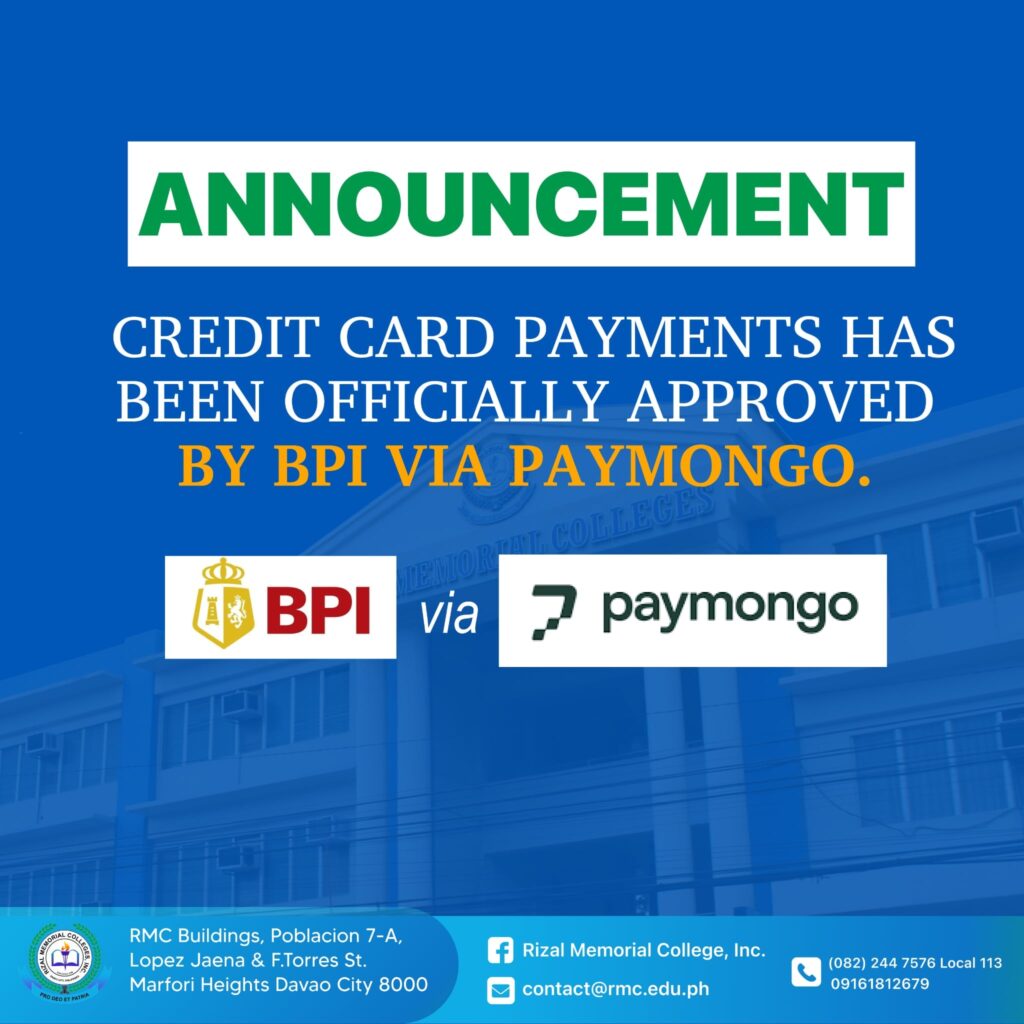
We are pleased to inform everyone that our application to accept online payments has been officially approved by the Bank of the Philippine Islands (BPI) through PayMongo. The school can now officially accept online payments for all applicable school transactions.
Available Payment Methods
Payment may now be made through the following channels:
- Credit Card/ Debit Cards (Visa & Mastercard)
- GrabPay
- BDO Online Banking
- Landbank iAccess
- QR Ph
- Maya
- BPI Online
- Metrobank Online
- UBP Online
- BillEase
- ShopeePay
How to Pay
Option 1 – Direct Payment Link
1. Click the payment link below:
https://paymongo.page/l/studentonlinepayment
2. Enter the Student credentials.
3. Proceed to the payments method.
4. Select your preferred payment method
5. Follow the on-screen instructions to complete the transaction.
Option 2 – Through the Official Website
1. Visit rmc.edu.ph
2. Under Digital Tools, click Student Online Payment.
3. Enter the student credentials.
4. Proceed to the Payments section.
5. Select your preferred payment method.
6. Follow the on-screen instructions to complete the transaction.
Within the week, this payment link will be integrated into the Student Portal and soon after into the Mastersoft Student Information System for easier and more seamless access. For any concerns or assistance, please coordinate with the IT In-Charge, Mr. Kent, or contact the Finance Office.